TL;DR
China needs more pre-arrival prep than anywhere else in Asia. Your Google, WhatsApp, Slack, and Instagram all go dark the moment you land. Payment apps won't work until you configure them. 80% of your setup has to happen before you board the plane. This checklist walks through the month before, the week before, airport day, and your first seven days on the ground.
1 Month Before: The Stuff You Can't Fix Later
This is where most people mess up. Skip this section and your first week in China turns into damage control.
Install two VPN providers on every device. Not one. Two. VPNs break, get blocked, or just stop working on random Tuesdays. You cannot download VPN apps from inside China (the App Store and Play Store remove them for Chinese IP addresses). Set them up now, test them, and write your login credentials on paper. Paranoid? Maybe. But your VPN app crashing with no backup is worse.
Full setup walkthrough: Great Firewall & VPN Guide
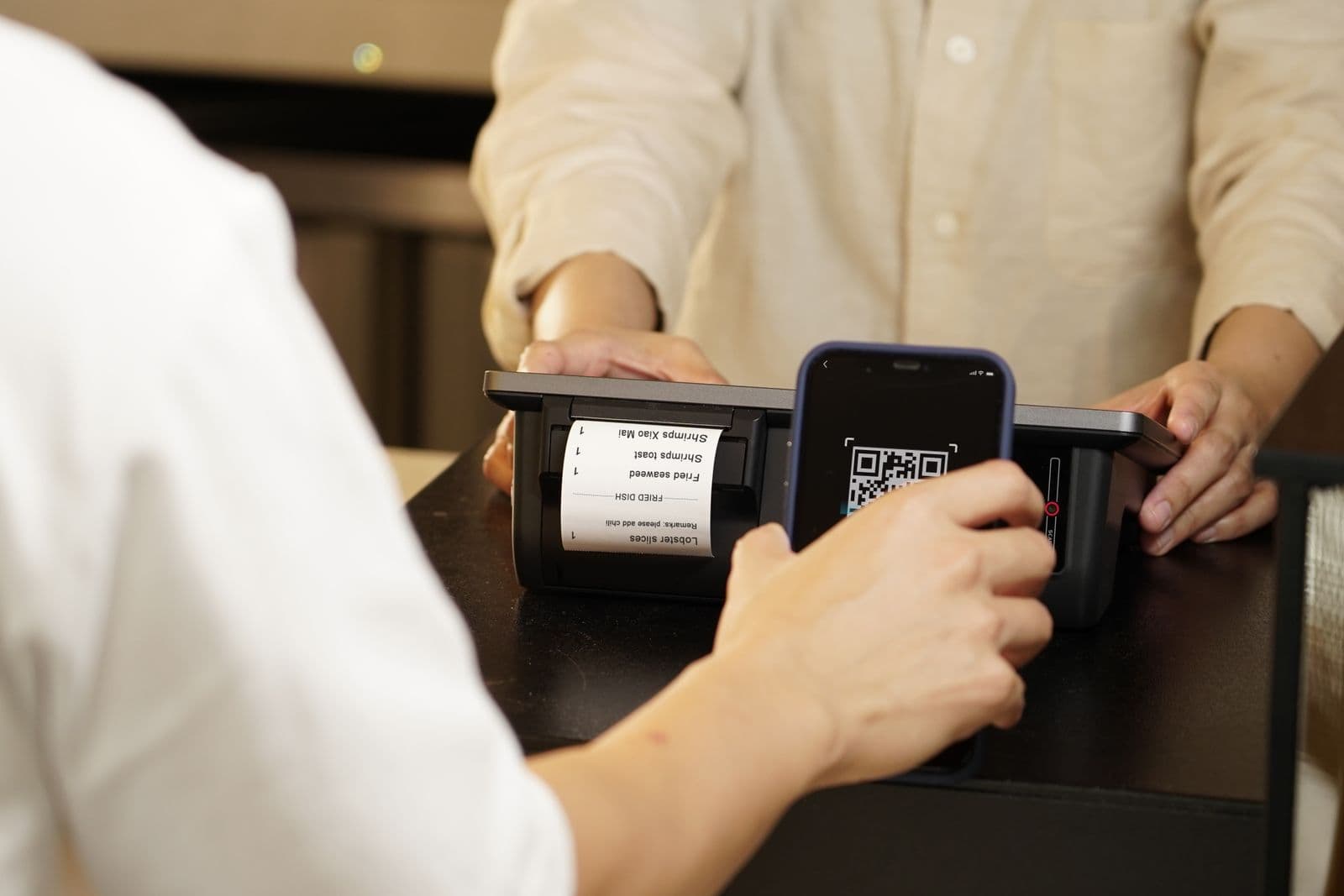
Register WeChat and Alipay with your international phone number. Link a Visa or Mastercard. Complete identity verification. These two apps run daily life in China: paying for street food, hailing taxis, ordering delivery, even unlocking shared bikes. Foreign card support for both apps is governed by People's Bank of China regulations and has expanded significantly since 2023 — but limits and supported card types change, so verify current rules before you travel. Without them you're stuck using cash, and plenty of small vendors don't accept it anymore.
Detailed instructions: Alipay & WeChat Pay Setup for Foreigners
Join expat communities for your target city. WeChat groups, Reddit's r/chinalife, Facebook groups (which you won't be able to access in China without VPN, so save key info locally). Ask dumb questions now. People are helpful before you arrive and distracted after.
Start your visa research. China has no digital nomad visa. Most remote workers enter on an M visa (business) or L visa (tourist) — typically 30 days per entry for the L. If you're employed by a Chinese company, that's a Z visa (work permit). Each type has different invitation letter requirements and processing times of 1-2 weeks through your nearest Chinese embassy. China Ultimate Guide covers the full breakdown.
Heads up
1 Week Before: Final Checks
☐ Final VPN test: connect on each device, open Google, Gmail, Slack, and your video call tool. If anything fails, fix it now. Not fixable from behind the firewall. ☐ Download apps: DiDi (rides), Meituan (food delivery), Dianping (restaurant reviews), Amap/高德地图 (navigation, way better than Google Maps in China), Trip.com or 12306 (trains) ☐ Save offline content: work documents, entertainment, reference material. Netflix, YouTube, Spotify: all blocked. Google Drive, Dropbox, Notion: also blocked without VPN. ☐ Prepare document folder: passport, visa, insurance proof (digital + printed), accommodation confirmation, invitation letter (if M visa), 2 passport photos ☐ Pack essentials: universal power adapter (China uses Type A/C/I outlets), laptop, chargers, power bank ☐ Activate international eSIM: providers like Airalo or Holafly route through non-Chinese networks, meaning Google and WhatsApp work on eSIM data without VPN. Keep your local SIM slot free for a Chinese SIM on arrival.
The eSIM deserves a moment of attention here. It's not just a backup. It's your lifeline for the first 48 hours before your Chinese SIM is set up and your VPN is confirmed working. I've seen people arrive with their eSIM activated but data roaming disabled at the carrier level. Check that setting before you board. It's the kind of thing you only discover at the worst possible moment.
Tip
Day 1: Airport to Hotel
You made it through the flight. Here's the sequence.
Immigration. Have your passport, visa, accommodation address (in Chinese characters), and return/onward ticket info ready. Straightforward if your paperwork is clean.
Buy a local SIM card. China Mobile or China Unicom counter in arrivals. Budget 100-200 RMB for a basic data plan. A Chinese phone number helps with some mini-programs and local services, though WeChat Pay and Alipay both work with international numbers. Run your eSIM for international services (Google, WhatsApp) and the local SIM for everything Chinese.
Withdraw cash. Airport ATMs from ICBC or Bank of China are the most reliable for international cards. Pull out 2,000-3,000 RMB (roughly $280-415 USD) as backup. Mobile payments handle 95% of transactions, but cash saves you when tech doesn't cooperate.
Get to your hotel. Options: DiDi (if the app is working), official airport taxi queue (skip the touts), or metro (available at most major airports). Have your hotel address written in Chinese characters on your phone or paper.
Note
First Week: Building Your Digital Life
The clock starts now. Here's what to knock out, roughly in order.
Days 1-2: Digital foundation. Confirm both VPNs work on your accommodation WiFi. Test WeChat Pay at a convenience store (scan QR, buy a water). Test Alipay at a different store. Set up Amap with your home address. Order food via Meituan's WeChat Mini Program. If all five work, you're operational.
Deep dive: WeChat Ecosystem Guide
Days 3-4: Practical setup. Police registration if not at a hotel. Find your nearest supermarket, pharmacy, and convenience store. Test DiDi for a short ride. Locate coworking options: WeWork, People Squared, or just test cafe WiFi speeds.
Days 5-7: Work mode. Run through all your work tools via VPN (Slack, Notion, Google Workspace, Zoom). VPN speeds dip during evening hours when everyone's streaming, so figure out your peak and off-peak windows. Test video call quality during your team's actual meeting times. Nothing worse than discovering lag mid-standup.
(Confession: I learned the evening VPN slowdown the hard way. Scheduled a client call at 9pm Beijing time. Spent the first ten minutes as a pixelated ghost.)
FAQ
Can I use a tourist visa to work remotely in China?
Technically, the L visa (tourist) doesn't authorize any work. Most digital nomads working for non-Chinese companies do it anyway. This is a gray area, not a green light. China doesn't have a dedicated remote work or digital nomad visa as of early 2026. Your call on risk tolerance. This is not legal advice.
Do I really need two VPNs?
Yes. VPN providers get blocked on rotation. What worked last month might not work this month. Having two providers means when one goes down (and it will), you switch to the other while the first one pushes an update. Some nomads keep a third as a nuclear option.
How much cash should I carry?
2,000-3,000 RMB for your first few days. After WeChat Pay and Alipay are working, you'll rarely need cash. But "rarely" isn't "never." Small markets, older taxi drivers, and the occasional system outage all happen.