TL;DR
If an overseas card is already linked but a payment fails, first identify the exact step that failed: card linking, identity or SMS verification, a merchant checkout, or a fee or limit notice. The visitor payment flow supports eligible overseas cards, but eligibility is still decided by the payment app, card network, and issuing bank. Do not assume that a card that works for a shop payment will also work for transfers to an individual.
Start With the Exact Failure
Do not change several account settings at once. Save the exact in-app message, note whether you were adding a card or paying a merchant, and check the payment page before confirming again. That makes it easier for the app's support team or your card issuer to see what actually failed.
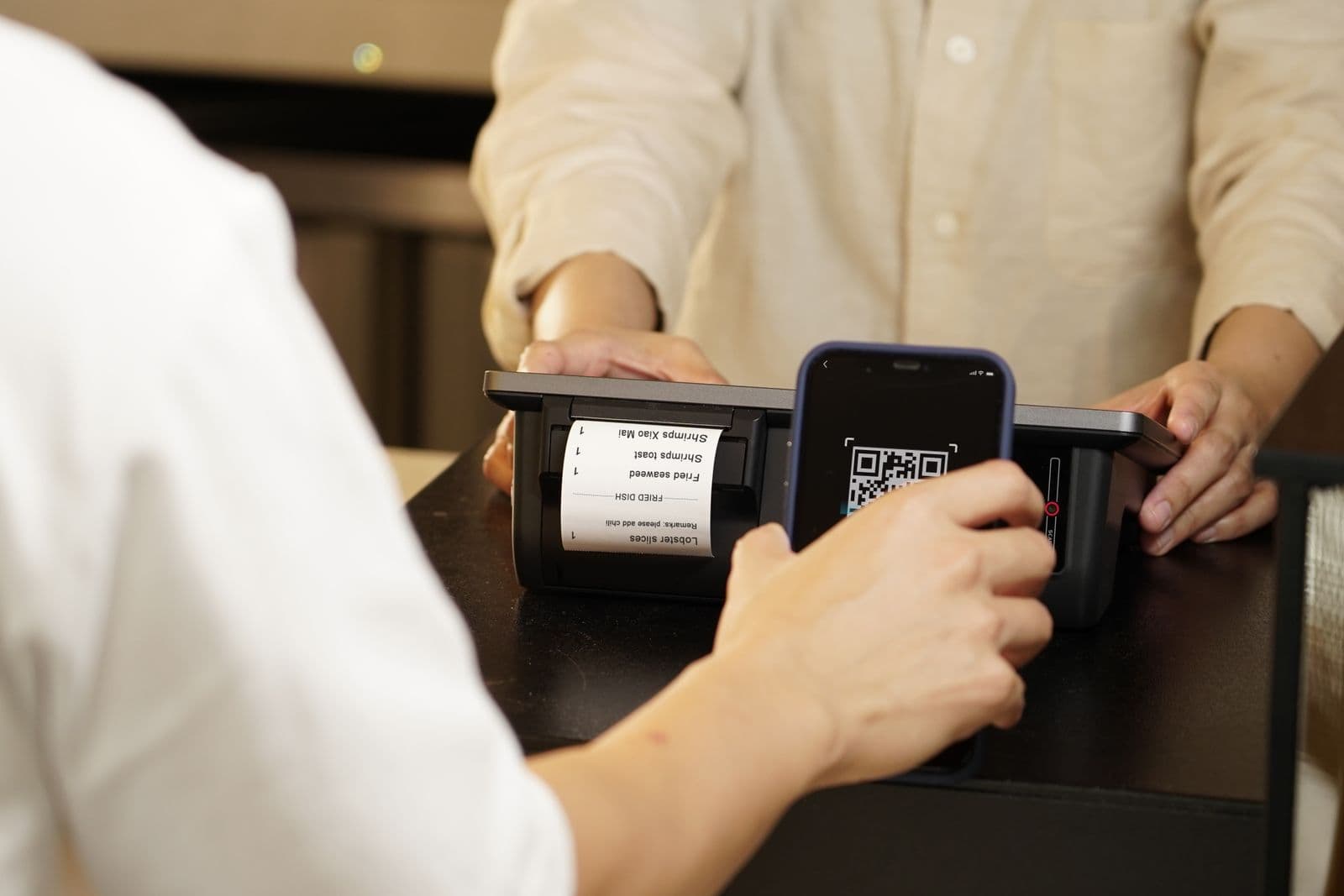
The official visitor flow is a linked overseas card, then a merchant QR-code payment: either scan the merchant's code or show your payment code to the cashier. It is not a promise that every feature in a mainland China wallet account is available to every overseas-card visitor.
Tip
Menu names can differ. The route, labels, and verification prompts can change with the app version, account region, card issuer, or device. Use the app's current prompts rather than following an old screenshot exactly.
1. The App Will Not Link Your Card
Symptom: The app rejects the card, says it is unsupported, or stops during verification.
Possible causes: The official guidance says an overseas card must be verified by its issuer before it can be linked. Eligibility can depend on the card network and issuing bank as well as the payment product.
Check in this order:
- Update the app, then add the card through its current card-linking flow.
- Enter the cardholder and card details exactly as held by your issuing bank.
- Check whether your issuer has sent an approval, security, or decline notice.
- Ask the issuer whether it permits card verification and payments through Alipay or Weixin Pay in mainland China. Do not disclose one-time codes or passwords to anyone other than the official app or issuer channel.
If it still does not work: Contact the app's official support with the exact error and your issuer with the time and amount of the failed authorization. For an immediate purchase, use a participating merchant's physical-card terminal if it shows your network logo, or use RMB cash from an appropriately branded ATM.
2. Registration, Identity, or SMS Verification Will Not Complete
Symptom: You cannot finish sign-up, the app asks for more identity information, or an SMS code does not arrive.
Possible causes: A phone number and identity checks are part of the visitor setup flow. The official Shanghai visitor guidance says Alipay registration can begin with an overseas phone number; it does not guarantee that every verification prompt will be identical for every account.
Check in this order:
- Confirm that the phone number can receive its normal SMS service and that the app has the latest version.
- Follow the in-app identity prompt using your own valid document; do not send document images through chat or to a third party.
- If you later obtain a Chinese SIM, use the app's current account-management instructions before changing a registered number.
If it still does not work: Use the payment app's official support channel. If the failed step is a card verification rather than account registration, contact the issuer too. A Chinese SIM may help with some local services, but it is not a documented requirement for starting Alipay registration with an overseas number.
3. The Card Is Linked, but a Merchant Payment Is Declined
Symptom: You can see the card in the wallet, but a shop, transport, or in-app checkout does not go through.
Possible causes: The merchant flow, the issuer's authorization, the applicable limit, and an extra fee can all matter. Official visitor guidance documents two merchant-payment methods—scanning a merchant QR code or showing a payment code—but it does not make every merchant, product, or app flow interchangeable.
Check in this order:
- Confirm that you are paying a merchant, not attempting a transfer to an individual.
- Ask the merchant to confirm its payment code or present an alternative accepted method; do not scan an unverified QR code.
- Read the amount, currency, fee, and limit notice on the final payment page before trying again.
- Check the issuer's authorization or security alert.
If it still does not work: Use an overseas card directly only where the merchant displays its network logo, or pay with RMB cash. For an app-specific decline, report the exact error to the app; for a declined card authorization, report the time, merchant, and amount to the issuer.
4. You Are Trying to Pay a Person, Send a Red Packet, or Add Balance
Symptom: A payment to a friend, landlord, or other individual does not work, even though shop payments do.
Possible causes: The published overseas-card visitor guidance describes linking a card for merchant QR-code payments. It does not establish that peer-to-peer transfers, red packets, wallet balance funding, or every mini-program payment are available with a linked overseas card.
Check in this order:
- Identify the recipient: a registered merchant and a personal account are different payment contexts.
- Read the in-app eligibility message and service agreement for that specific action.
- Do not treat a successful café or taxi payment as proof that a personal transfer will work.
If it still does not work: Ask the recipient for a legitimate merchant payment option or use a payment route that your bank and the recipient's provider explicitly support. Do not use an informal workaround that asks you to hand over account access, verification codes, or cash in exchange for a transfer.
5. A Fee or Limit Appears at Checkout
Symptom: The final page shows a service fee, or the app says that the amount cannot be processed.
Possible causes: Current official Shanghai guidance says an overseas card linked to Alipay or Weixin Pay has a maximum single-transaction limit of USD 5,000 and a maximum annual cumulative limit of USD 50,000, with the actual limit shown in the app. It also says transactions of RMB 200 or less are generally exempt from the platform service fee; a transaction above RMB 200 may incur a 3% fee on the full amount. Issuer fees and promotional exemptions can differ.
Check in this order:
- Read the app's final payment page for the fee, exchange information, and limit that apply to your account.
- Check your card issuer's foreign-transaction and cash-withdrawal terms separately.
- If the purchase is not urgent, contact support before repeatedly submitting the same payment.
If it still does not work: Use a payment method the merchant accepts and that states its cost before confirmation. Cash is still a valid fallback; overseas cards can also be used at participating POS terminals and at compatible ATMs, subject to the merchant, ATM, and issuer.
Overseas Card Linking Is Not a Mainland China Bank Account
You can link an eligible card issued outside mainland China without opening a mainland China bank account. That is useful for visitor merchant payments, but it does not make the overseas card and a local bank account the same product. Treat wallet features outside the published visitor flow as account- and product-specific until the app confirms them.
If you already use an overseas wallet, you may not need to set up a new one: official Shanghai guidance lists some wallets that can pay at participating mainland merchants through Alipay+ or UnionPay-powered services. Availability still depends on the wallet, market, merchant, and displayed payment logo.
A Safer Fallback Plan
- Keep a second eligible card if you have one, but do not assume a second card changes an account-level limit.
- Carry a small RMB cash fallback and use ATMs displaying your card network's logo when needed.
- At a counter, look for—or ask about—the card network logo before relying on a physical foreign card.
- Use only official in-app support and your issuer's published support channel for account or transaction issues.
For initial setup, see Alipay & WeChat Pay for Foreigners. For a broader arrival plan, see the China Arrival Checklist.
Sources and Scope
- Shanghai's current overseas-card payment guidance for visitor limits, general platform-fee treatment, POS, and ATM fallback.
- Shanghai's current mobile-payment guide for the card-linking and merchant QR-code flows, Weixin Pay network examples, and supported overseas-wallet caveat.
- China's 2025 guide for business expatriates for issuer verification and the warning that card brands, fees, and limits vary by payment product.
- Alipay's 2025 American Express announcement and Mastercard's Weixin Pay announcement for network-side confirmation of eligible international-card visitor use.